


FlymeShow APK
- Version
- 2.0.2
- Size
- 101.4 MB
- Android
- 5.0+
- Category
- Social
Screenshots
What's new
Version 2.0.2 is the newest build on APKBlade, updated 16 November 2025.
Explore and connect on FlymeShow APK, your go-to live social app for fun chats and games!
Are you searching for something fresh on your Android device? FlymeShow APK lets you live stream videos. You can also chat with others during games. This post will tell you about FlymeShow and how to get it.
What is FlymeShow APK?
FlymeShow is a free social app that launched on February 26, 2024. It is made for Android users who want to watch live streams, play games together, and talk to people worldwide. The latest version works better than before.

Key Features of FlymeShow
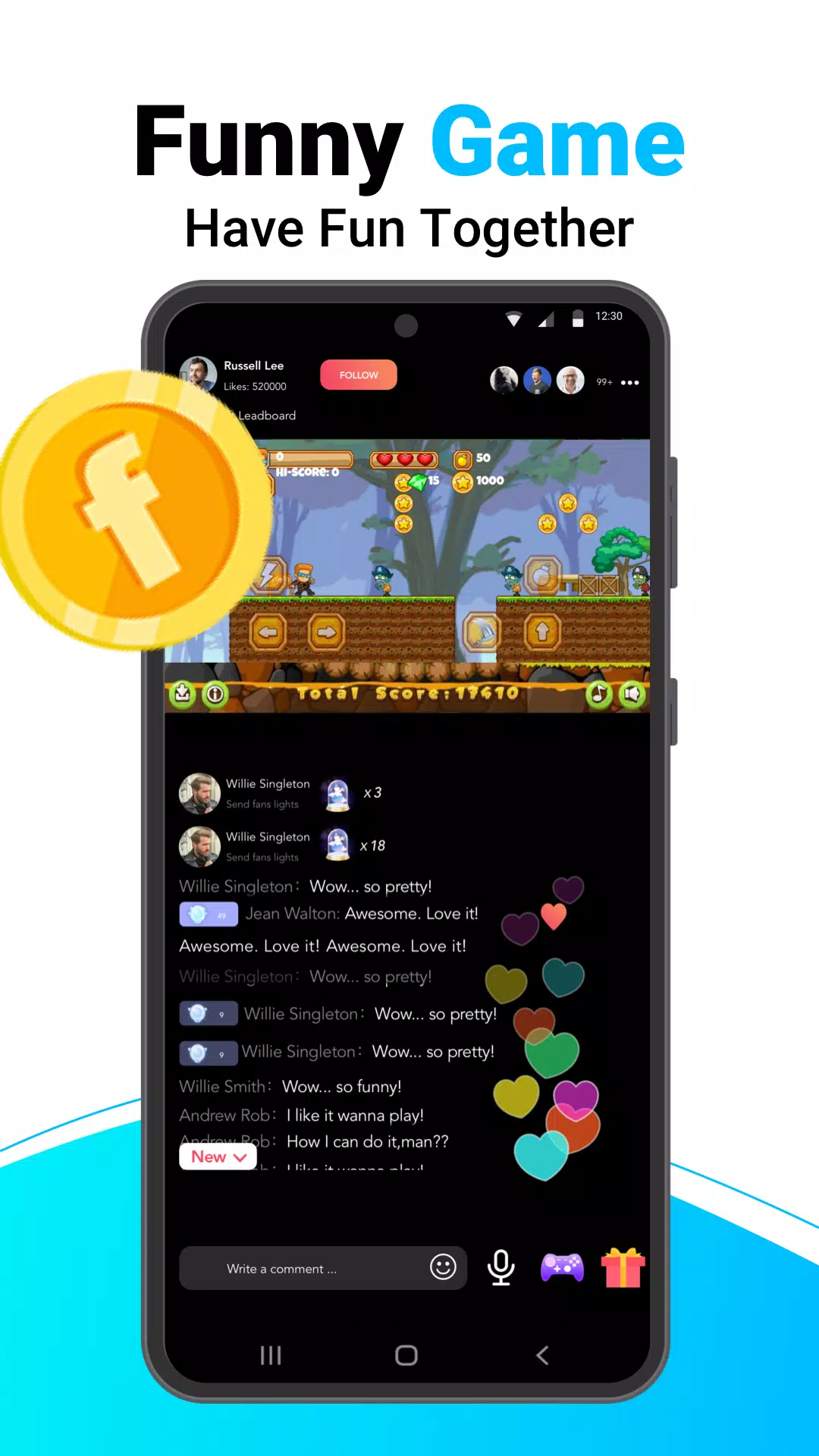
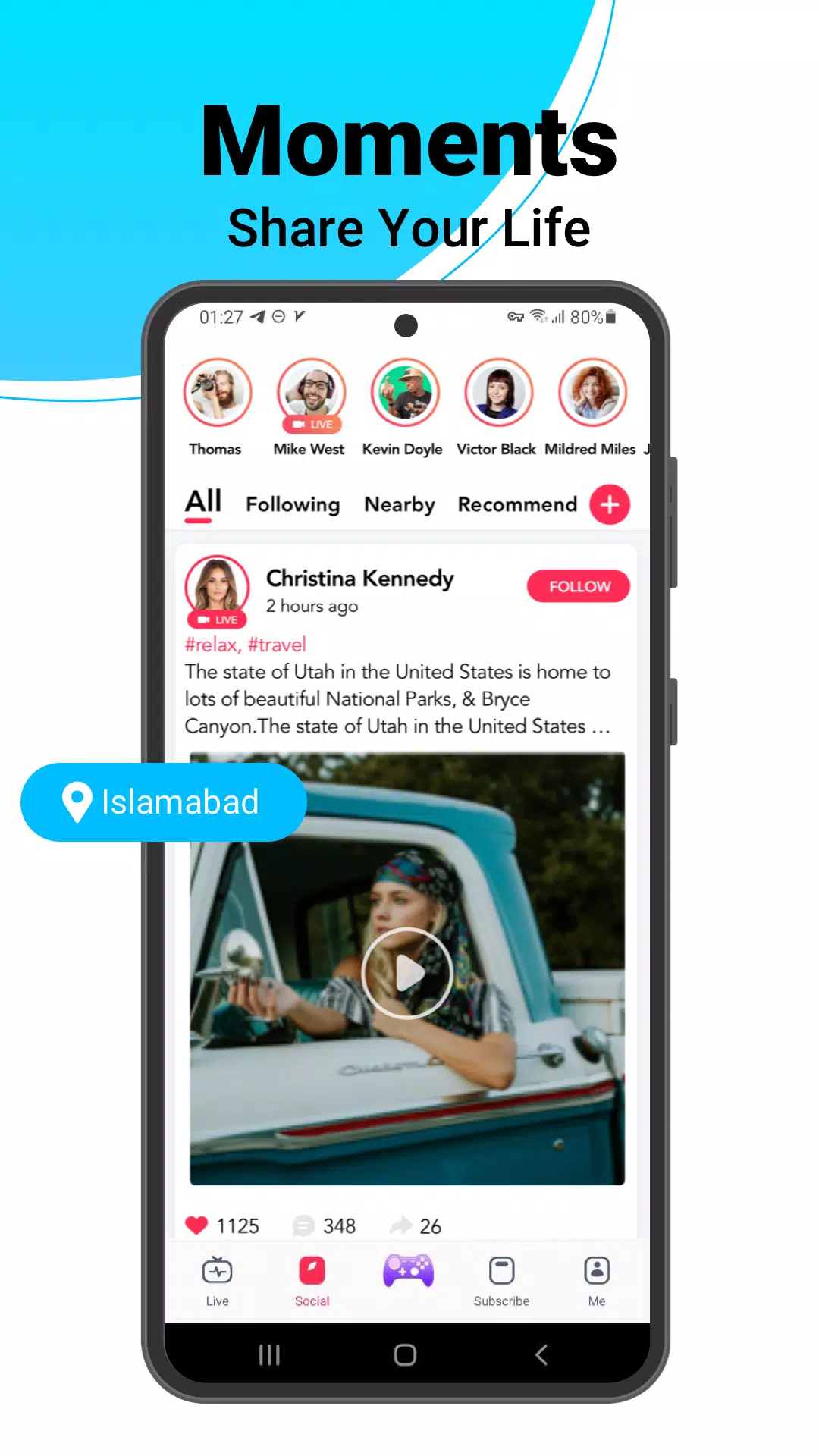
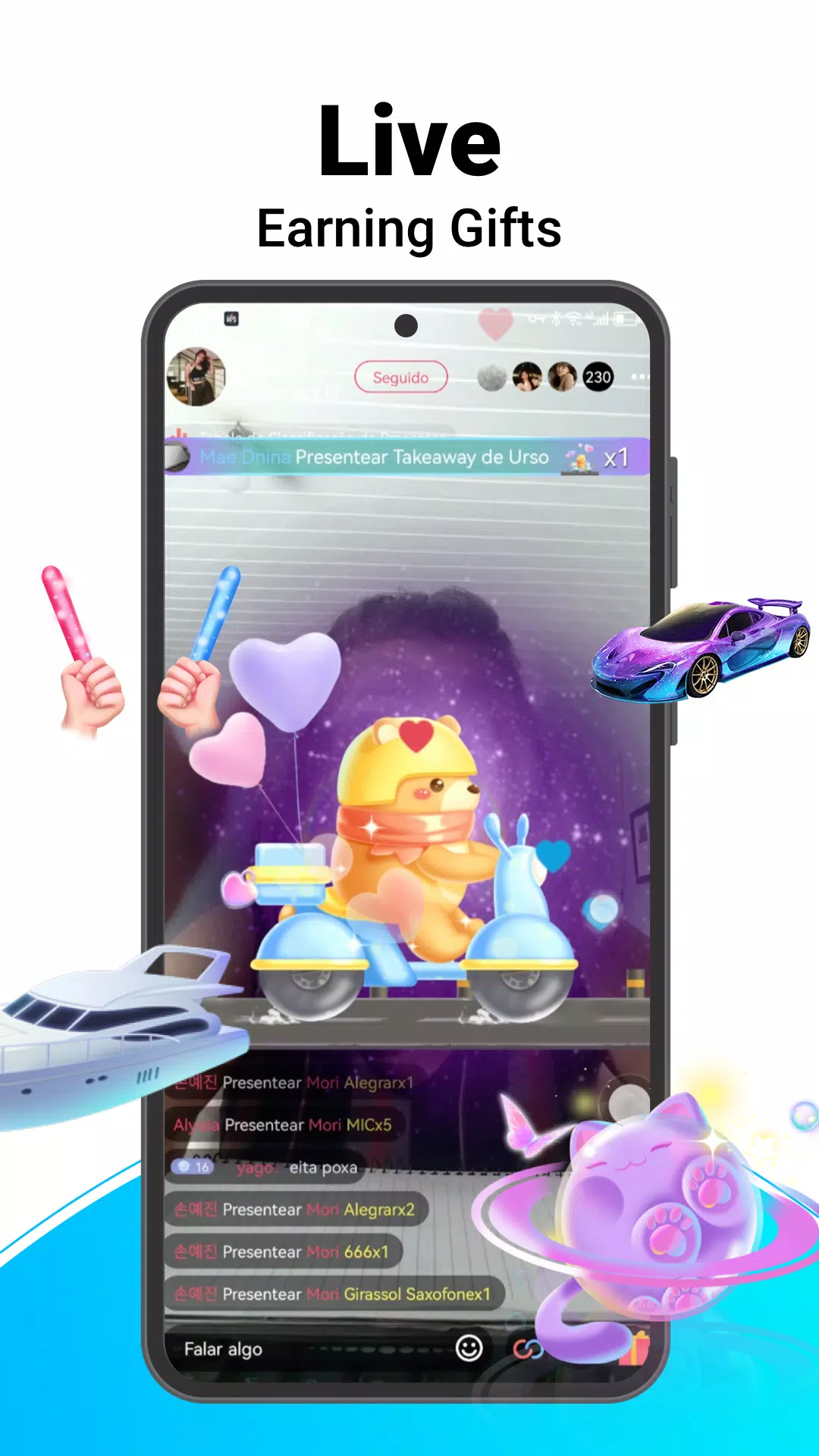
- Live Streaming: The main feature is live video streaming. If you create content or want to watch, you can see live broadcasts from across the globe. You can share your life in real-time or watch others show off talents, tell stories, or simply chat.
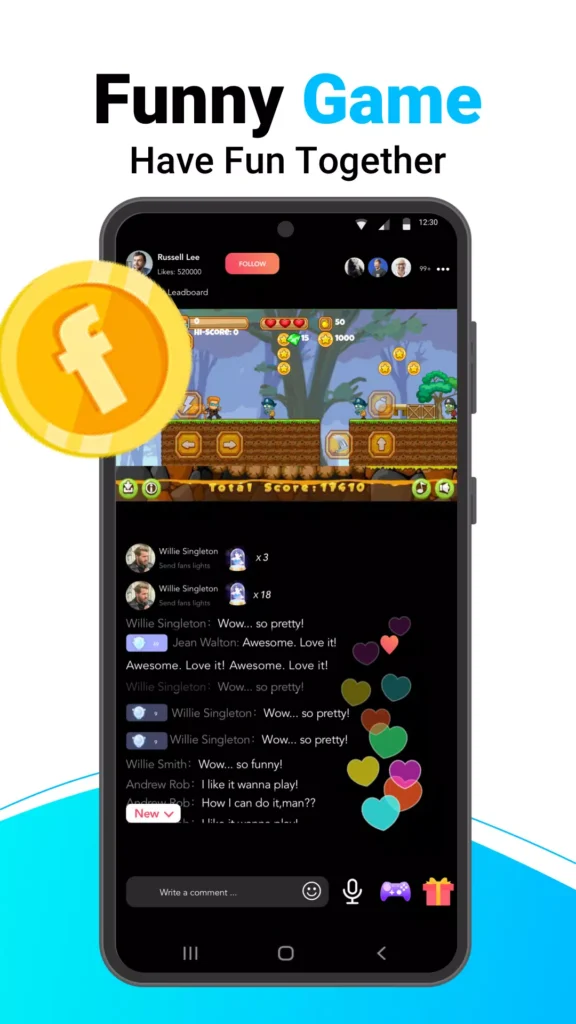
- Real-Time Interaction: FlymeShow lets you do more than watch. You can comment on streams, send virtual gifts, and talk to viewers or the people streaming. This makes the experience more fun compared to typical social media.
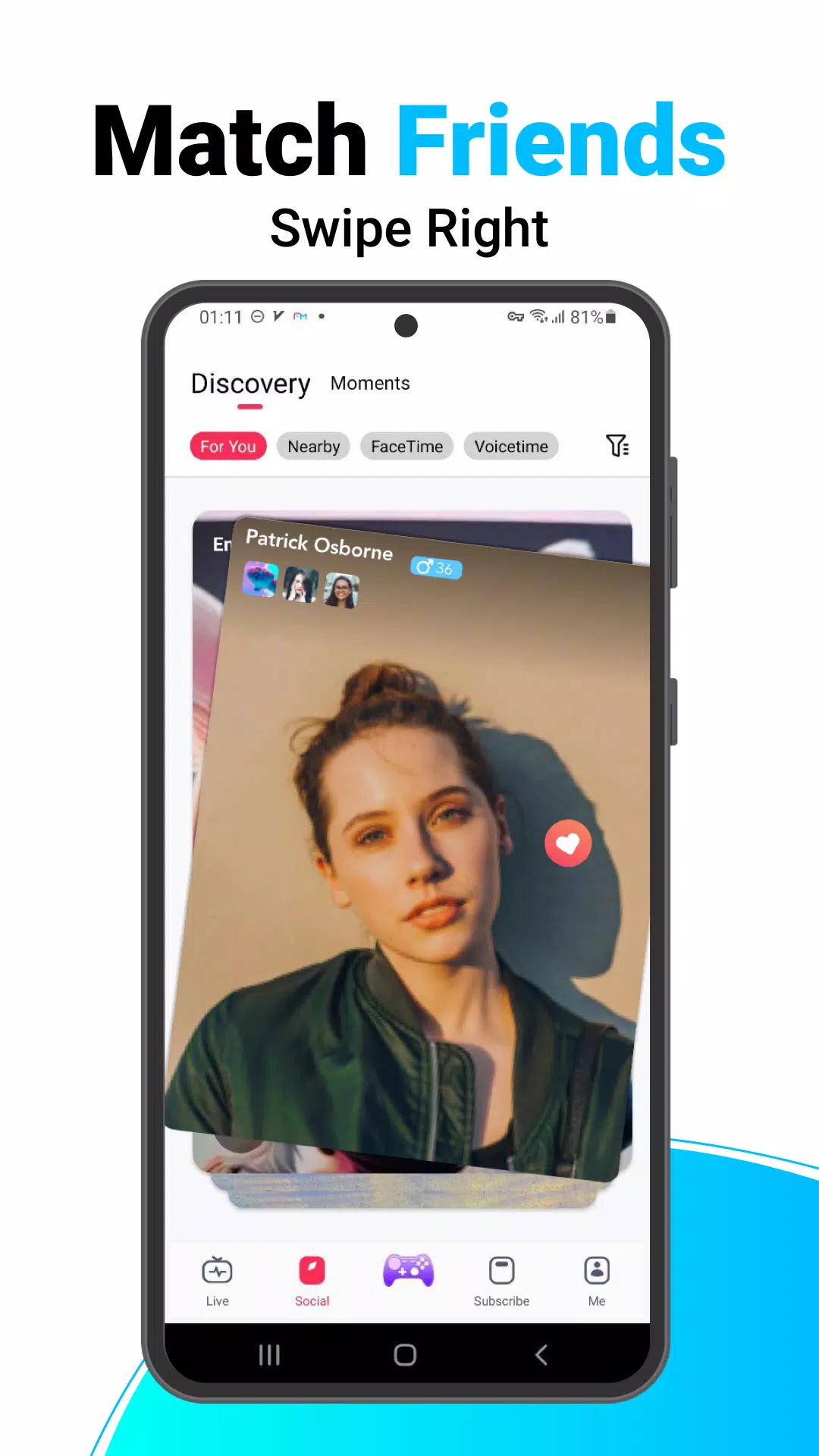
- Nearby Location Tools: FlymeShow has a tool to find streams and friends close by. It uses GPS, cell towers, and Wi-Fi to show your exact location. This helps you meet local users and events.
- Chat for Gamers: Gamers can chat about their favourite games on FlymeShow. You can share tips and stream your gameplay. It’s an excellent place to meet other gamers who like the same things.
- People From Everywhere: FlymeShow connects people from all over the world. You can learn about different cultures, languages, and ideas from home.
How to Get FlymeShow on Android
Getting FlymeShow on your Android device is easy. Here are the steps:
1. Check Device Requirements: Make sure your Android is version 5.0 or higher before downloading.
2. Download the APK: You can get the FlymeShow APK from sites that offer free APK downloads. One site is ours, where you can find the latest version.
3. Allow Unknown Sources: Since you download an APK directly, you must let your device install apps from outside the Google Play Store. Go to settings, find security or privacy, and allow installation from unknown sources.
4. You can get FlymeShow by downloading it from an APK file. This file type can be installed on Android devices. First, find the APK file online and download it. Then open the file and follow the steps to install FlymeShow on your phone or tablet.
5. After installing, you must open FlymeShow and create an account. You can sign up with your email address, phone number, or social media account. Follow the instructions in the app to set up your new account.
6. Once your account is ready, you can start using FlymeShow immediately. You can watch live streams, chat with other users, and explore the various social features. FlymeShow offers many ways to interact and have fun.
Safety and Privacy
Be careful when using social apps like FlymeShow. Do not share too much personal information. Also, check the app’s privacy settings to control what others can see about you. FlymeShow needs access to your location, so consider whether you want to allow this.
Conclusion
FlymeShow APK is a unique app that combines live streaming, gaming, and socializing. It is available for Android version 5.0 and newer devices.
If you enjoy live streams, gaming, or connecting with others online, FlymeShow could be for you. Download it now to join a large community of users worldwide. No matter your interests, FlymeShow likely has something appealing to offer.
More About FlymeShow
| Name | FlymeShow |
|---|---|
| Package Name | com.flyshow.social |
| Category | Social |
| Version | 2.0.2 |
| Size | 101.4 MB |
| Requires Android | 5.0 and up |
| Developer | [email protected] |
| Last Updated | 16 November 2025 |
How to Install FlymeShow
- Tap the download button and let the file finish.
- Open the file from your notifications or the Downloads folder.
- If Android asks, allow your browser to install unknown apps.
- Tap Install, then open the app.
FAQ'S
How to install FlymeShow on android phone?
Once you've downloaded the APK file, click on the downloaded file, then hit the "Install" button.
I am getting Play Protect warning while installing!
Some mod APK files might get a warning. You can ignore this warning and install the APK file. Follow these simple steps to turn off Play Protect: Open Google Play app > Click Profile Icon > Select Play Protect -> Setting > Turn off both "Scan apps with Play Protect" and "Improve harmful app detection" options.
How to update APK without losing the data?
To update APK without losing the data, you don't need to follow anything extra. Click on the downloaded APK file and click the "Install" button. The app will update automatically without loss of data.
How to fix problems while installing/opening?
Make sure you have downloaded the file correctly. The downloaded file extension must end with .apk file. If you face any package install error, redownloading the file may fix the issue.


















Ratings and reviews
There are no reviews yet. Be the first one to write one.